August Improvements Roundup
August went almost entirely into the circular waveform view, which got five upgrades. Alongside it: RMS of whatever is on screen, detected jumps drawn on the trend, one y-axis per KPI, keyboard control of the analyze page, and data you can download.
The circular waveform view
The circular waveform view wraps the waveform around the shaft, so one lap is one revolution and anything repeating once per turn lands at the same angle.
Five upgrades moved the filter, the speed and the window inside the view. The whole analysis now happens without leaving it.
- Set the running speed inside the view. The speed control now sits above the circle, writing the same speed the rest of the page uses. The circle re-wraps as you type.
- Choose how much of the waveform is wrapped. A slider below the plot sets how much of the signal goes around the circle, from one revolution up to the whole thing.
- Set the filter without leaving the view. The same filter the toolbar uses, now inside the view and accepting shaft orders as well as Hz. An orders band stays anchored when the speed changes.
- Average revolutions together. The laps in the window are folded onto one revolution and meaned, so what repeats with the shaft survives and the rest drops away.
- Readable amplitude values. A labelled radial axis, plus one shared scale across overlaid measurements, so a louder measurement actually draws larger.
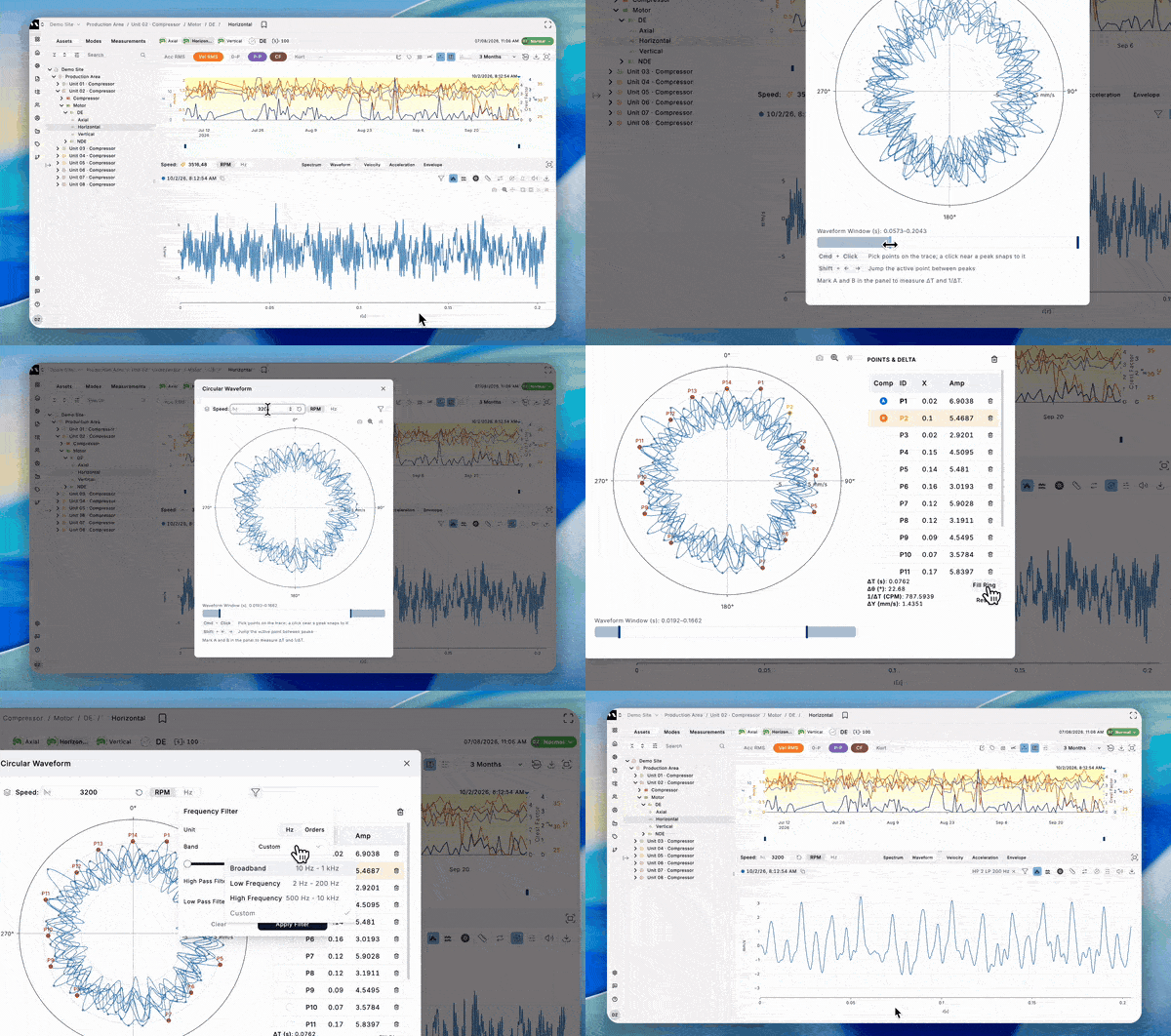
RMS of what is on screen
Get the overall RMS of exactly the range you are looking at: the visible band on a spectrum, the visible window on a waveform. It updates as you zoom and pan, follows the active filter, and matches what SVA reports.
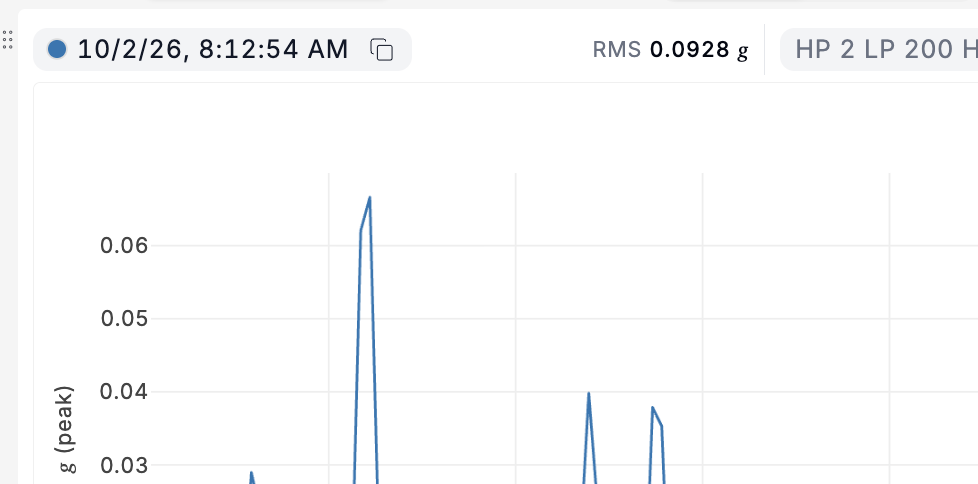
Listen to the velocity waveform
Hear the velocity signal, not just acceleration. Same speaker button, same per-measurement dropdown, and any filter you have applied carries through to what you hear.
Detected jumps drawn on the trend
See the jump the detector saw. Click a jump in the Changes tab and the KPI plot draws the level before, the transition and the level after, with the increase as a percentage. The jump icon on the plot does the same.
One y-axis per KPI
Stop a small trace being flattened by a large one. Every selected KPI now gets its own y-axis, fitted to its own range and coloured to match its series. Deselecting one hands its space back to the plot.
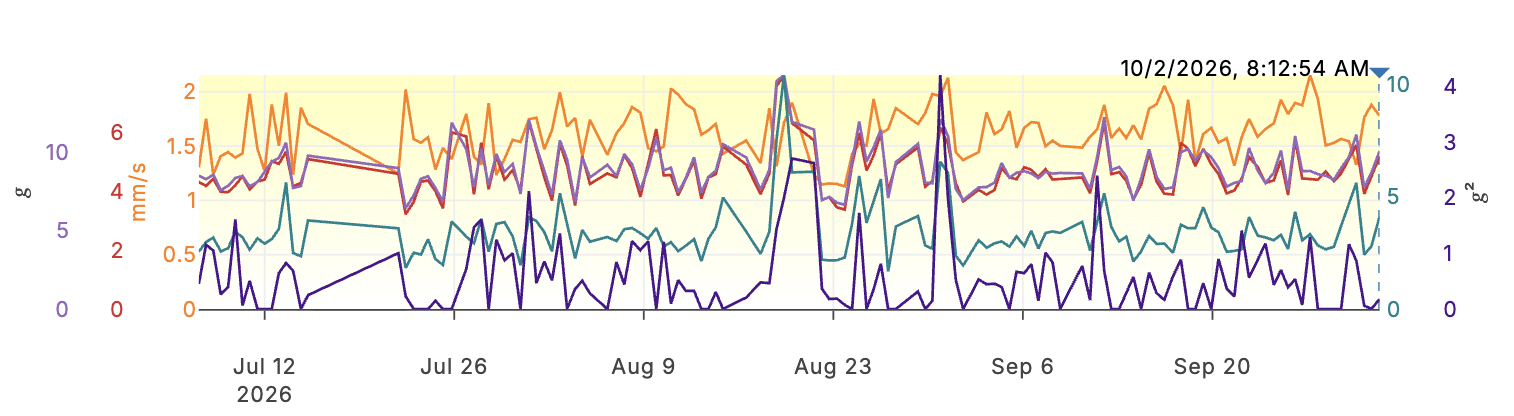
Step through measurements with the arrow keys
Move along the measurements without reaching for the mouse. Arrow keys select the next or previous one, following what the KPI plot shows. Hold Shift to add each step to the selection instead of replacing it.
Select a KPI with the number keys
Toggle a trend with one key. Number keys 1 to 9 match the KPIs in the toolbar's badge row, left to right, and each tooltip names its own key.
Download the data behind a plot
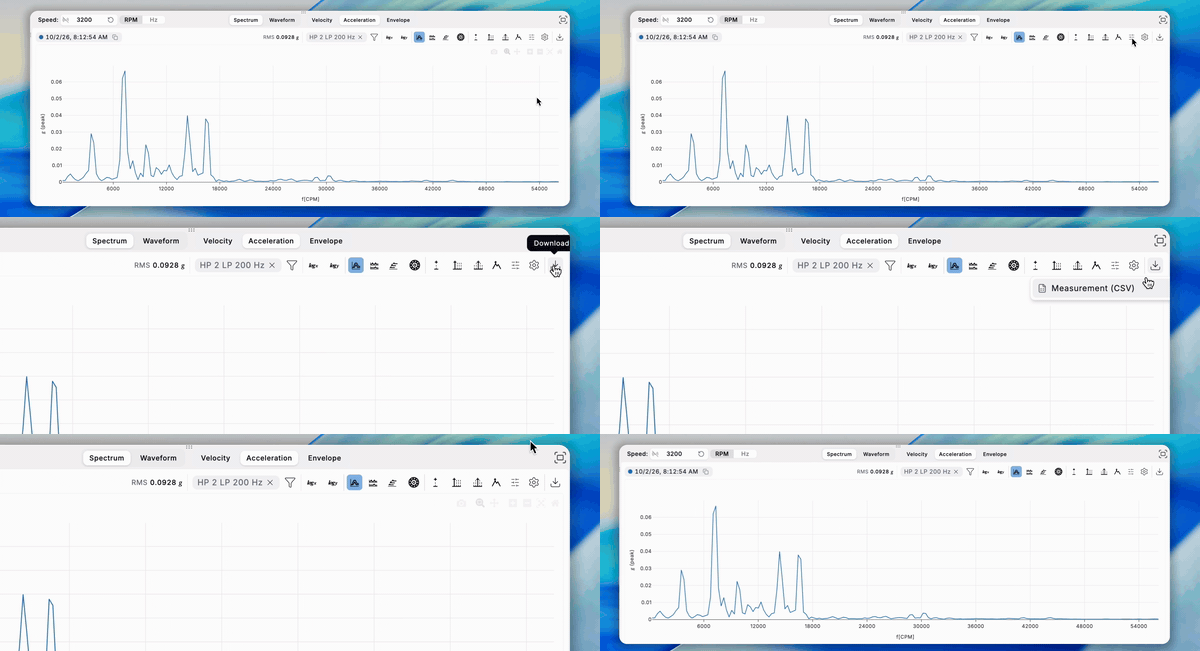
Take the data away and work on it elsewhere. The KPI plot exports its trends as CSV. The spectra plots export the shown spectrum or waveform as CSV, and acceleration or velocity waveforms as WAV. Nothing is lost to the plot's downsampling.
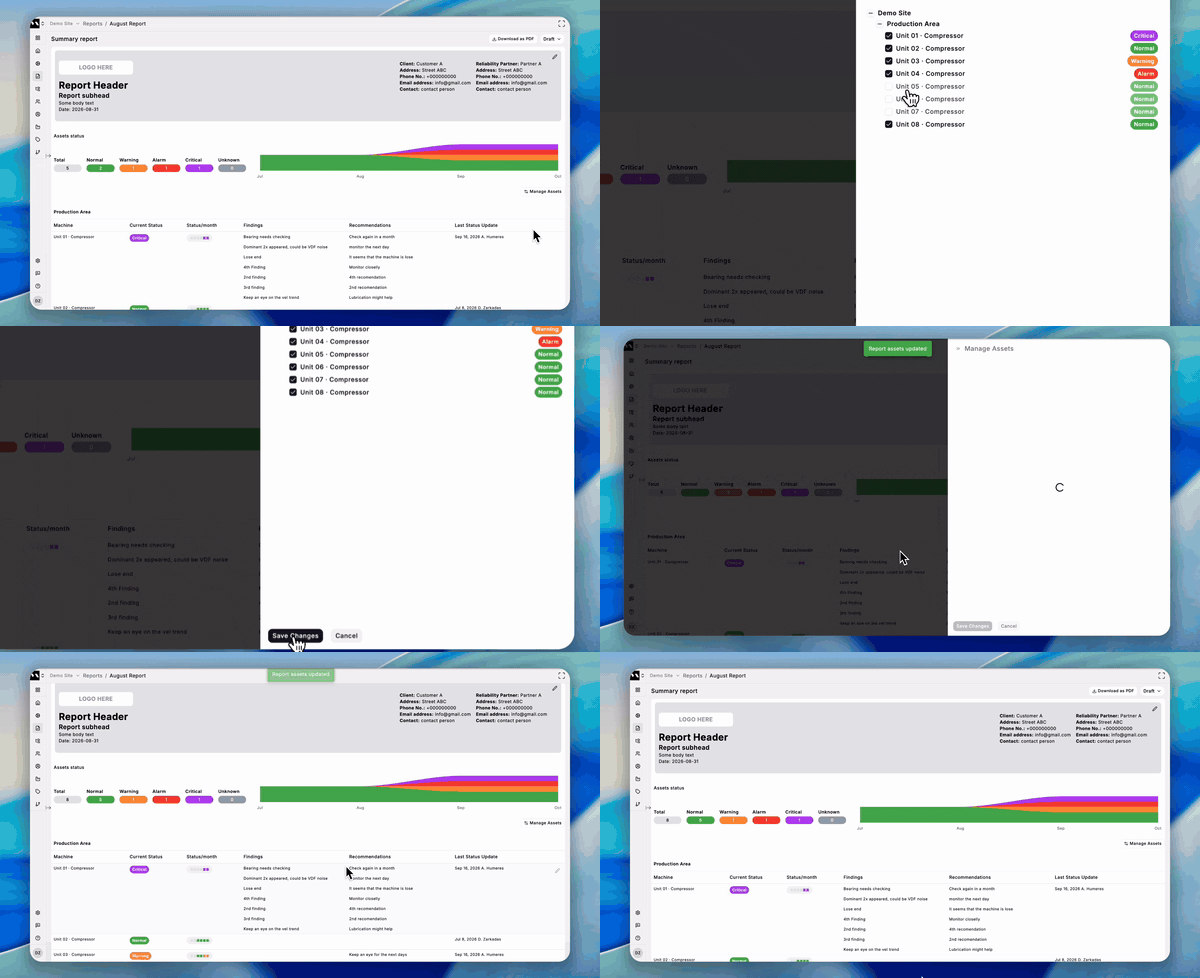
Add and remove assets in an existing report
Fix an asset list without starting the report over. A Manage assets drawer on a draft report adds or removes assets, and the findings you have already written for the ones you keep are preserved.
Also worth knowing: pick two points on a spectrum and the comparison is made for you, with the delta shown in orders as well as in frequency.
Behind the scenes
The asset hierarchy work carried on through August, and the asset tree became editable: component type and order, a stream's label, orientation and axis, and deleting a measuring point or stream, all gated by role. The migration was hardened for large sites. Still the groundwork for Multiviz 3.0 and the machine view that comes with it.