Open side navigation

How to Clear Priority Alerts
Clearing
In the Overview Page, machines will be shown to you in order of priority. If priority is red, it means that since the last time you checked it and cleared priority, new events happened and you should check again.
When you're ready clear the priority, click the "Clear" icon in the top left of the Deep Analysis Page. You’ll be prompted to log a few helpful details:
- What was the issue or result of the analysis?
- What actions were taken (or will be taken)?
- If a work order was created, what’s the reference number?
All closed alerts remain accessible in the Closed tab for future auditing or follow-up.
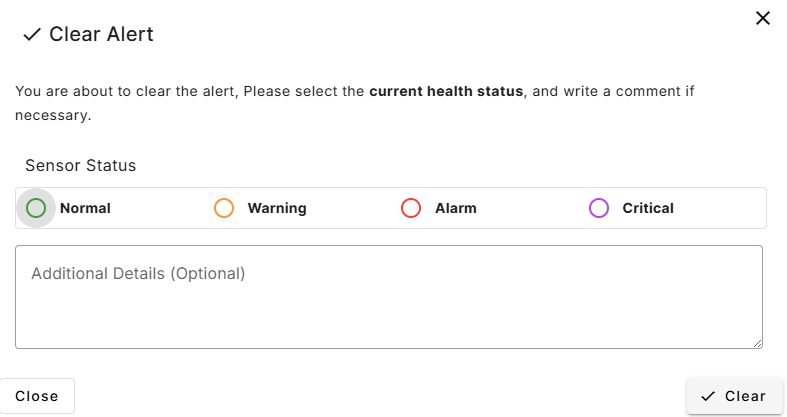
Choosing the Right State
When closing an alert, it’s important to set the correct machine state:
Setting the right state helps your team focus on what matters most — and keeps your Status View tidy and up to date.
Remember to reset the state to Normal once the machine is back to its expected behavior.